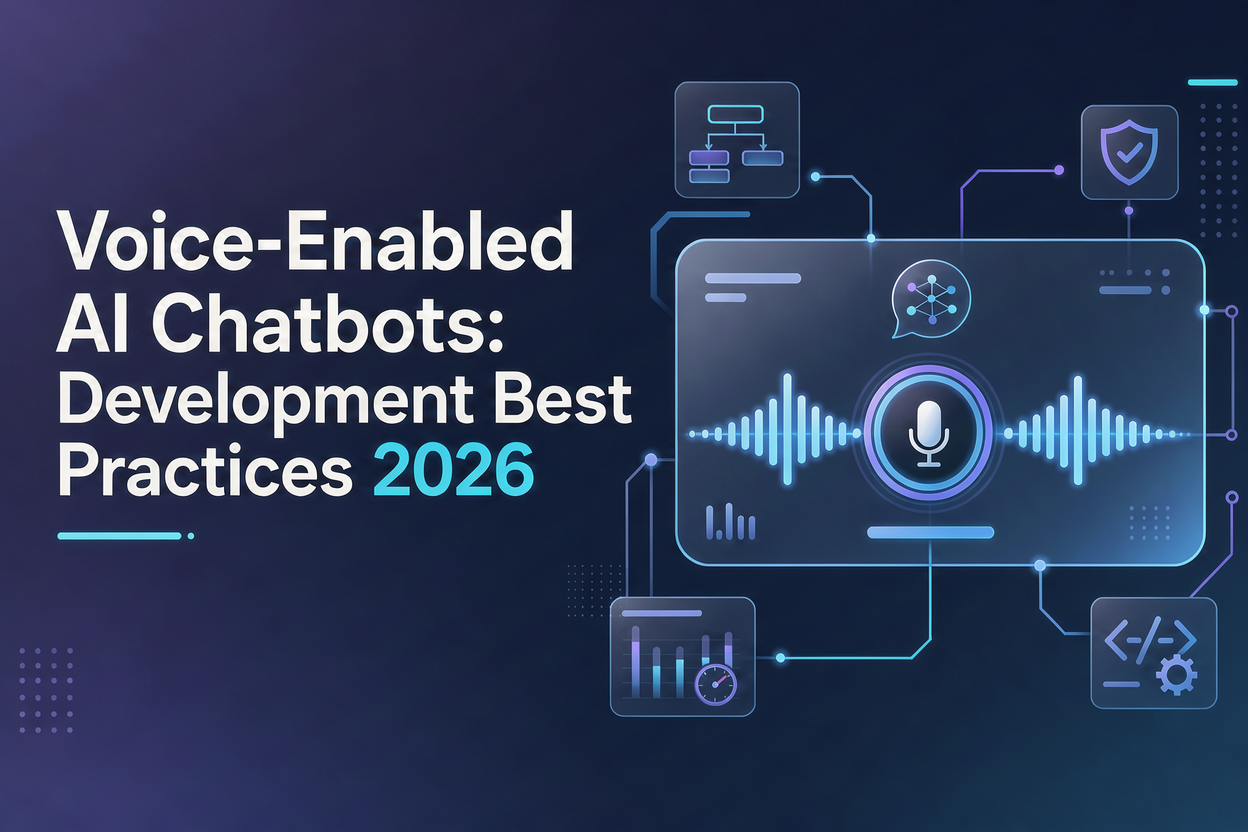
People now talk to software almost as often as they type to it. They ask a car for directions, ask a phone to book a table, and expect a support line to understand them on the first try. That habit has pushed voice near the top of the roadmap for many teams investing in AI chatbot development services.

Building a good voice bot takes more than adding a microphone to a text chatbot, though. Speech brings delays, accents, background noise, interruptions, and privacy questions that typed chat rarely has to deal with.

Quick answer: A voice-enabled AI chatbot is a conversational AI system that listens to spoken input, works out what the user wants with a language model, and replies in natural speech. The key development best practices for 2026 are to keep reply time under one second, design for interruptions, support regional accents and languages, protect voice data, test with real callers, and give users a clear route to a human.
What Is a Voice-Enabled AI Chatbot?
A voice-enabled AI chatbot is software that holds a spoken conversation with a person. Unlike old phone menus that asked callers to “press 1,” it understands free-form speech and answers in a natural voice.
Most voice bots run on a three-part pipeline:
- Speech-to-text (ASR): converts the caller’s audio into text in real time.
- Understanding and reasoning: a large language model (LLM) reads the text, checks context and connected business data, and decides what to say or do.
- Text-to-speech (TTS): turns the reply into audio that sounds human.
Cascaded Pipelines vs. Speech-to-Speech Models
Teams now pick between two builds. A cascaded pipeline (ASR, then LLM, then TTS) gives more control, easier debugging, and a text record of every turn. Newer speech-to-speech models work on audio directly, which cuts delay and keeps tone and emotion, but they are harder to audit and often cost more per minute. Some teams run a hybrid: speech-to-speech for the live call, with transcripts stored for compliance and analytics.
Why Do Voice-Enabled Chatbots Matter in 2026?
Voice has moved past the pilot stage. Small businesses, banks, clinics, and retailers now use voice agents to answer calls, book appointments, check order status, and qualify leads around the clock. Three shifts explain the growth.
Faster Speech Models at Lower Cost
Real-time speech recognition and natural-sounding TTS are now quick enough for live phone calls, and the cost per minute keeps falling. Replies that used to lag now arrive fast enough to feel like normal conversation.
Generative AI Chatbots That Complete Tasks
Generative AI chatbots no longer stop at answering FAQs. Connected to CRMs, calendars, and payment systems, they can verify a caller, move a booking, or open a support ticket within the same call.
Better Handling of Accents and Mixed Languages
Newer speech models cope far better with regional accents and code-switching, such as Hindi and English in one sentence. That opens voice support to markets where text-first bots struggled.
The adoption data backs this up. G2’s 2026 AI voice assistant report, built on 1,419 verified reviews, found that 76% of users see significant operational ROI, yet proving that ROI ranks among their top three challenges. G2 also notes that getting started is easy, while scaling is harder because of integration with existing systems and data. That gap is exactly where development choices make the difference.
Voice Chatbot Development Best Practices for 2026
These practices separate voice bots that callers trust from the ones they hang up on.
1. Keep Response Time Under One Second
Delay is the fastest way to lose a caller. Aim for the bot to start speaking within about 800 milliseconds of the user finishing. Stream audio both ways, start speech output before the full reply is ready, and host models close to your users.
2. Design for Interruptions and Turn-Taking
People interrupt, pause, and change their minds mid-sentence. Build “barge-in” support so the bot stops talking when the user speaks, and tune end-of-turn detection so it doesn’t cut people off during a natural pause.
3. Write Short Replies Meant to Be Heard
Spoken replies should carry one idea at a time, with no lists, URLs, or long numbers. Read key details back (“So that’s Tuesday at 4 PM, right?”) instead of assuming the bot heard correctly.
4. Test With Real Accents and Background Noise
Use recordings from your actual users, including noise from cars, shops, and busy offices. Add custom vocabulary for product names, local places, and industry terms so the speech layer doesn’t guess.
5. Ground Answers in Your Own Data
Use retrieval-augmented generation (RAG) to pull answers from approved documents, and set firm limits on pricing, policy, medical, and legal topics. A confident wrong answer spoken aloud does more harm than one in a chat window.
6. Protect Voice Data From Day One
Voice recordings can count as personal or even biometric data. Collect clear consent, mask payment and ID details in transcripts, set retention limits, and follow rules such as GDPR, India’s DPDP Act, and the EU AI Act’s requirement to tell people they are talking to an AI.
7. Always Offer a Human Handoff
Give callers a simple way to reach a person, and pass along the full conversation so they don’t repeat themselves. A smooth handoff keeps trust intact when the bot reaches its limits.
8. Measure What Matters After Launch
Track task completion rate, transfer rate, word error rate, average handling time, and caller satisfaction. Review failed calls every week; they show exactly where the dialogue design needs work.
How to Choose an AI Chatbot Development Company
Off-the-shelf voice builders work well for simple call routing. Once you need deep integrations, compliance controls, or several languages, custom chatbot development solutions usually pay off. Use these factors to compare partners:
| Factor | What to look for |
| Voice project experience | Live voice deployments, not only text chatbots |
| Latency results | Measured response times from past projects |
| Integration skills | Work with CRMs, telephony (SIP, Twilio), and ERP systems |
| Model flexibility | Freedom to mix LLM, speech-to-text, and TTS providers without lock-in |
| Security and compliance | Clear data handling, consent flows, and audit logs |
| Post-launch support | Monitoring, retraining, and regular performance reviews |
Before a full build, ask for a short pilot on one use case, such as appointment booking. A pilot shows real call metrics within weeks and keeps budget risk small.
Common Mistakes to Avoid
- Reusing a text bot’s script for voice. Written replies sound robotic and long when read aloud.
- Testing only in a quiet office. Real callers phone in from traffic, kitchens, and crowded stores.
- Hiding the human option. Forcing automation lifts containment numbers but hurts satisfaction and repeat business.
- Skipping post-launch tuning. Voice bots need regular updates as products, prices, and caller habits change.
- Picking a voice that doesn’t fit. The tone, pace, and accent of the bot should match your brand and your audience.
Frequently Asked Questions
- What is the difference between a voice AI chatbot and an IVR system?
An IVR follows fixed menus and keypad inputs. A voice AI chatbot understands natural speech, keeps track of context across the conversation, and can complete tasks such as booking or rescheduling without forcing callers through a menu tree. - How long does it take to build a voice-enabled AI chatbot?
A focused pilot for one use case often takes four to eight weeks. A multilingual bot with CRM, telephony, and payment integrations can take three to six months, depending on compliance needs and testing depth. - Can generative AI chatbots handle multiple languages by voice?
Yes. Current speech and language models support dozens of languages and can follow callers who switch languages mid-sentence. Accuracy still varies by accent and dialect, so testing with real users in each market still matters. - Which industries gain the most from voice chatbots?
Healthcare, banking, insurance, retail, real estate, travel, and home services see strong results, mainly in appointment scheduling, order tracking, account queries, and lead qualification.
Final Thoughts
Voice-enabled AI chatbots win or lose on details callers notice within seconds: speed, clarity, and whether the bot actually solves their problem. Start with one high-volume use case, write every reply for listening, protect caller data, and keep a human close by.
The technology is ready. The difference now comes from careful conversational AI development and steady tuning after launch. Businesses that work with an experienced partner for AI chatbot solutions, such as WebClues Infotech, tend to reach production faster because latency, integrations, and compliance are planned from the first sprint rather than patched later.