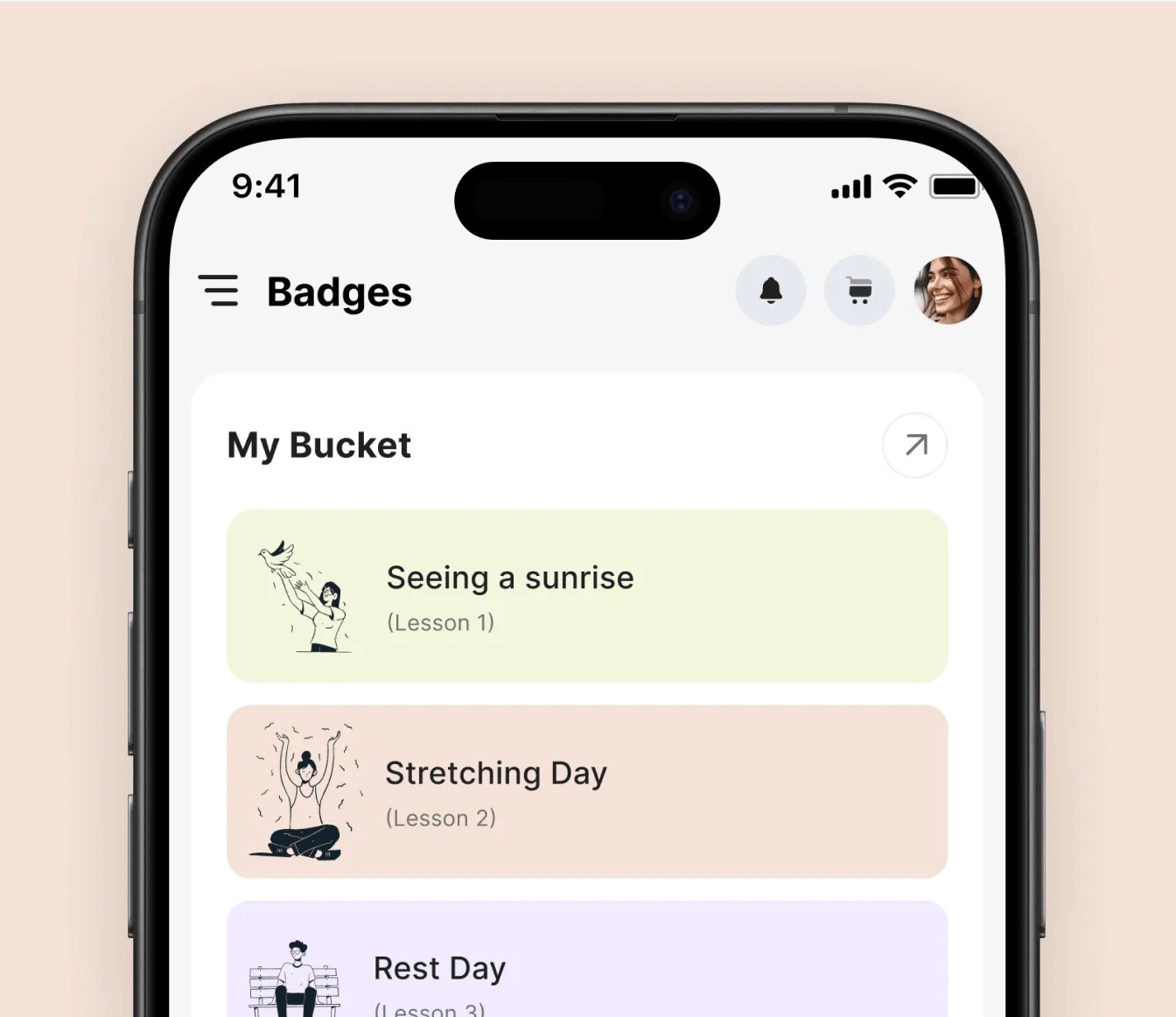
Open your banking app, and you see the same screen as millions of other customers. The same menu, the same buttons, the same layout, whether you check your balance once a month or manage dozens of transactions every day.

For decades, that’s how software has worked. Designers create one interface, and everyone adapts to it.

Generative UI flips that model. Instead of every user getting the same fixed screens, AI assembles interfaces in real time based on who the user is, what they’re trying to do, and what they need right now. A new user might see a simple, guided view. An expert might see dense data and advanced controls. Someone asking a question might receive a custom chart, form, or comparison table built on the spot.
It’s one of the most exciting shifts in product design, and one of the least understood. This guide explains what generative UI really is, where it works, where it can go badly wrong, and how product teams and UI UX design services can use it to build products that feel personal without becoming confusing.
What Is Generative UI?
Generative UI is an approach where interface elements are created or arranged dynamically by AI, rather than fully designed in advance. Instead of hard-coding every screen, teams define building blocks and rules, and the system decides how to combine them for each situation.
It shows up in a few common forms:
- Adaptive layouts that rearrange content based on a user’s role, behavior, or goals
- On-demand components such as charts, tables, or forms generated in response to a question
- Conversational interfaces that return rich, interactive elements instead of plain text
- Personalized workflows that skip unnecessary steps for experienced users
You may already have seen early versions of this in AI assistants that respond with interactive widgets, or analytics tools that build a chart when you ask a question in plain language.
Why Generative UI Is Gaining Momentum
Three forces are pushing generative UI forward.
Users expect personalization. People are used to recommendations tailored to them in shopping, music, and video. They increasingly expect software to adapt in the same way.
Products are getting more complex. As products add features, one fixed interface struggles to serve beginners and power users equally well.
AI makes it practical. Language models can now understand intent and assemble interface components quickly enough to feel natural.
The Promise: What Generative UI Does Well
It Reduces Overload
Instead of showing every feature to every user, generative UI can surface only what’s relevant. A new user sees a clean starting point. An expert sees advanced tools.
It Answers Questions Visually
Ask “How did sales change by region last quarter?” and receive an instant chart, rather than navigating through three menus and building a report manually.
It Shortens Workflows
The interface can skip steps a user doesn’t need, pre-fill information it already knows, and present the next logical action.
It Supports Different Abilities and Contexts
Interfaces can adapt to screen size, accessibility needs, language, and situation, such as simplifying controls when someone is on the move.
The Risks: Where Generative UI Goes Wrong
Generative UI is powerful, but it can easily break the basic rules that make products usable.
1. Users Lose Their Mental Map
People learn software by remembering where things are. If buttons and menus move around unpredictably, users feel lost and frustrated.
2. Inconsistency Erodes Trust
When AI generates components that don’t match your design language, the product starts to feel unreliable, even if it works correctly.
3. Support and Training Become Harder
If every user sees a different interface, support teams struggle to guide customers, and documentation goes out of date quickly.
4. Accessibility Can Break
Dynamically generated layouts may skip proper labels, headings, or keyboard support unless accessibility rules are built into the system.

5. Errors Are Harder to Spot
When interfaces are generated on the fly, a broken or misleading component may appear only for certain users, making quality control difficult.
Static UI vs. Generative UI
| Factor | Static UI | Generative UI |
| Consistency | High and predictable | Must be designed in through rules |
| Personalization | Limited | High |
| Learning curve | Users learn one layout | Users need stable anchors |
| Design effort | Design every screen | Design components, rules, and guardrails |
| Testing | Test fixed screens | Test patterns and edge cases |
| Best for | Simple, stable tasks | Complex products with varied users |
7 Design Principles for Generative UI That Users Trust
1. Keep Stable Anchors
Navigation, key actions, and core layout areas should stay consistent. Let generative elements adapt within those anchors, not replace them.
2. Build on a Strong Design System
Generative UI is only as good as the components it can use. A well-documented design system with clear tokens, components, and usage rules ensures that whatever the AI assembles still looks and behaves like your product.
3. Explain Why Things Changed
When the interface adapts, tell users why. A short note like “Showing your most-used tools first” turns a confusing change into a helpful one.
4. Let Users Override and Reset
Give users control. Allow them to pin, hide, or rearrange elements, and offer an easy way to return to a default view.
5. Start With Low-Risk Personalization
Begin with suggestions, shortcuts, and content ordering before changing core workflows. Build trust gradually.
6. Bake in Accessibility Rules
Make accessibility part of every component and generation rule, so dynamic layouts remain usable for everyone.
7. Test Patterns, Not Just Screens
Because there’s no single final screen, test the rules and components in many combinations, with real users and realistic data.
Where to Start With Generative UI
You don’t need to rebuild your entire product. Most teams succeed by starting small:
- Pick one high-friction area, such as reporting, search, or onboarding, where users struggle with too many options.
- Define the building blocks. Decide which components AI is allowed to use and how they should behave.
- Set clear guardrails. Decide what must never change, such as navigation, critical actions, and compliance information.
- Prototype and test. Put adaptive experiences in front of real users and compare them with your current interface.
- Measure the right outcomes. Track task completion, time saved, error rates, and user satisfaction, not just novelty.
Why UI UX Design Services Matter for Generative UI
Generative UI doesn’t remove the need for design. It changes what designers create. Instead of drawing every screen, designers define systems, rules, behaviors, and guardrails. That requires deep expertise in interaction design, design systems, accessibility, and user research.
Teams exploring adaptive or AI-driven interfaces often partner with experienced UI UX design services to design the component library, define generation rules, and test with real users before rolling changes out widely. Getting this foundation right is what separates personalized experiences from chaotic ones.
Frequently Asked Questions
Is generative UI the same as personalization?
Personalization often changes content. Generative UI can change the interface itself, including layout, components, and workflows.
Will generative UI replace designers?
No. It shifts designers’ work from individual screens to systems, rules, and user experience strategy.
Is generative UI right for every product?
Not always. Simple, stable tools may work better with a consistent static interface. Generative UI shines in complex products with diverse users.
The Bottom Line
Generative UI promises software that adapts to people, instead of forcing people to adapt to software. Done well, it reduces overload, speeds up tasks, and makes complex products feel simple.
But adaptability without structure quickly becomes confusion. Keep stable anchors, build on a strong design system, explain changes, give users control, and test patterns with real people. Do that, and your interface won’t just change for every user. It will get better for every user.